
Jordan Ross
Game Developer
Adventure of Blip
Project name: Adventure of Blip
Made in
09-May/2020 until 10-May/2020

My contribution
Everything in this game excluding the music is self made from the drag and drop coding to the simple color based sprite models that I made all in sratch from scratch! That includes the art for each scene even when it looks simple this was my very first multi scene game ever made!
Team size: 1
Tools used: Sratch drag and drop coding.
Description: I started working on a simple scratch game as my intake project for my very first study MBO in Amsterdam called Media college. and for this intake I had to make a simple scratch game with my own inspiration so I chose to make a story driven adventure game which uses walking with WASD keys and an occassional mouse click to transfer to new scenes!


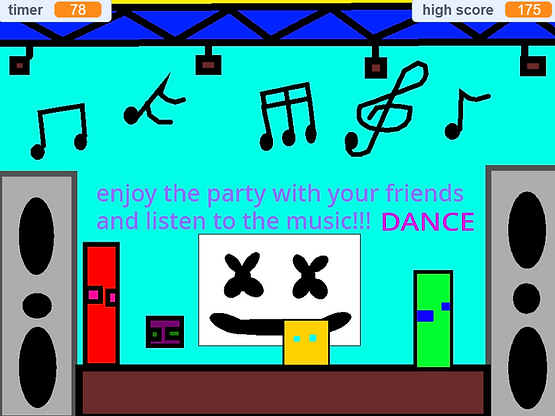

After finding your house and going home you get invited to a party! so you head out to enjoy the music but after being out at night after curvew you have to find your way home without being caught by law inforcement! When you finnally make your way home you can enjoy the celebration music and the end scene! A timer would also showcase your high score of how fast you finished the game!
Music is copyright from: Pewdiepie Congratulations song
And from:
Marshmello Alone Song


The game in total consist of 10 scenes from start all the way to the finsh scene where the counter will stop and show the high score you achieved and actually saves it for your next playthrough!

GamePlay walkthrough video!
Code snippets

WalkManager
Scratch uses a drag and drop scripting method instead of writing code you drag if statements and for loops and then drop inside of those loops and statements your functions. this way your entire walking code is one big forever loop that always checks your WASD key inputs. Also while changing your walk direction it also changes the sprite so it looks like the character turns around and walks a different direction. All these sprites are selfmade too!

Sprite 3 includes the code for the scene/background manager. it controls which backgrounds are active during the new scene switching.